
Lucas County Multi-Day Arrest Log
The official Lucas County Booking Summary is the county's main multi-day booking source. It is a rolling PDF. The Lucas County Corrections Center posts it rather than a fixed weekly archive. The header carries a report timestamp plus a changing "Offenders Booked Between" range. That range can cross several dates. New reports replace the old file. So read the current span from the live header instead of assuming it.
The summary also crosses agency lines. Entries come from Toledo Police, the Lucas County Sheriff, Oregon Police, Maumee Police, Washington Township Police, Mercy Hospital Police, U.S. Marshals, and the Ohio Adult Parole Authority. It is a county corrections booking log, not a sheriff-only arrest list. It is not every enforcement contact either. Citations, summonses, and arrests that never reach this jail may be absent.
Read the Lucas Police Blotter
Work backward from the report header. Those dates rarely match. The arrest date, booking date, and publication date can each differ, since intake and transport separate the first two and the scheduled update separates booking from publication. Page count also changes with the live file.
- Open the county Booking Summary and note its report timestamp and full booked-between range.
- Scan “Book Dttm” for the date span at issue, then compare “Arrest Dttm.”
- Match the full name with the arresting agency, court, and charge rows.
- Read current status exactly as printed; do not translate it into a court result.
- Use the named court or police agency for the later case or incident record.
- Save the check date because the rolling PDF will be replaced.
Use the Arrests Last 24 Hours workflow when only the newest daily slice matters. It fits one simple question. The broader blotter view works better for an arrest from several days ago. It also suits delayed weekend intake. And it suits a search needing agency and court context across the full visible range.
Lucas Arrest Log Entry Fields
The official PDF gives booking facts. It is not a narrative police report. Expect no universal booking number, bond, housing location, or next hearing date, since each visible field serves a narrow purpose.
| Entry field | How to read it |
|---|---|
| Full name | Starting identifier; confirm it with date and agency. |
| Book Dttm | Date and time of entry into the county booking system. |
| Arrest Dttm | Recorded arrest time, which can precede intake. |
| Charge rows | One or more charges as recorded at booking. |
| Court | A routing clue for a municipal, Common Pleas, juvenile, or federal docket. |
| Arresting agency | The agency credited with the arrest or related action. |
| Current status | A report-time marker such as Active, released with a time, or out of facility. |
| Photo panel | A published booking image or “NO IMAGE AVAILABLE.” |
A charge row can change. It may be dismissed or resolved after arraignment. The court docket holds the disposition, which is the recorded outcome of the case. A photo in a news story may also be a prior booking image rather than a picture from the event in the headline.
Toledo Logs Versus Lucas Arrests
The Toledo Police crime-log archive is an official city source. It is not the county jail feed. The archive presents dated crime-log posts. Some weekend entries carry a later posting date. A Toledo incident can appear there without anyone being booked at the Lucas County Corrections Center. The archive page shows how the city organizes dated incident material.
The two sources answer different questions. Toledo adds event context. The county PDF answers the booking question. Read them together. If the city log identifies an event, request the underlying report from Toledo Police; if the county PDF identifies a booking, use its court and agency fields for the next check. Oregon and Sylvania list no standing public arrest blotter, though their police records offices accept record requests.
Local News Arrest Context
Local news can explain a reported incident, but editorial coverage is selective. The Toledo Blade Police & Fire section publishes police, fire, court, and crime stories. The 13abc/WTVG crime section posts often. Neither outlet is a complete Lucas County arrest log. Neither proves current custody either. The Blade's Police & Fire page shows the editorial format readers meet there.
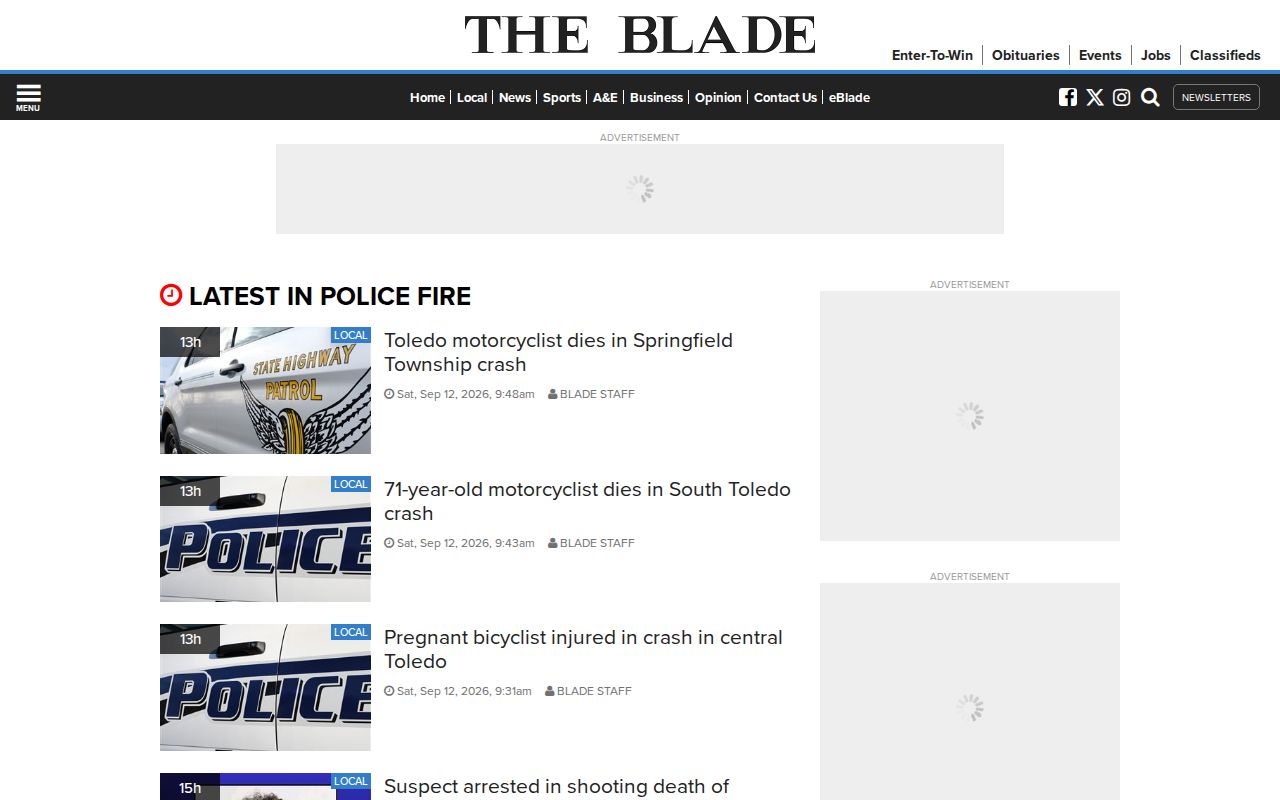
Check story dates and captions against the official booking source and court record. The 13abc crime page offers another local story channel.
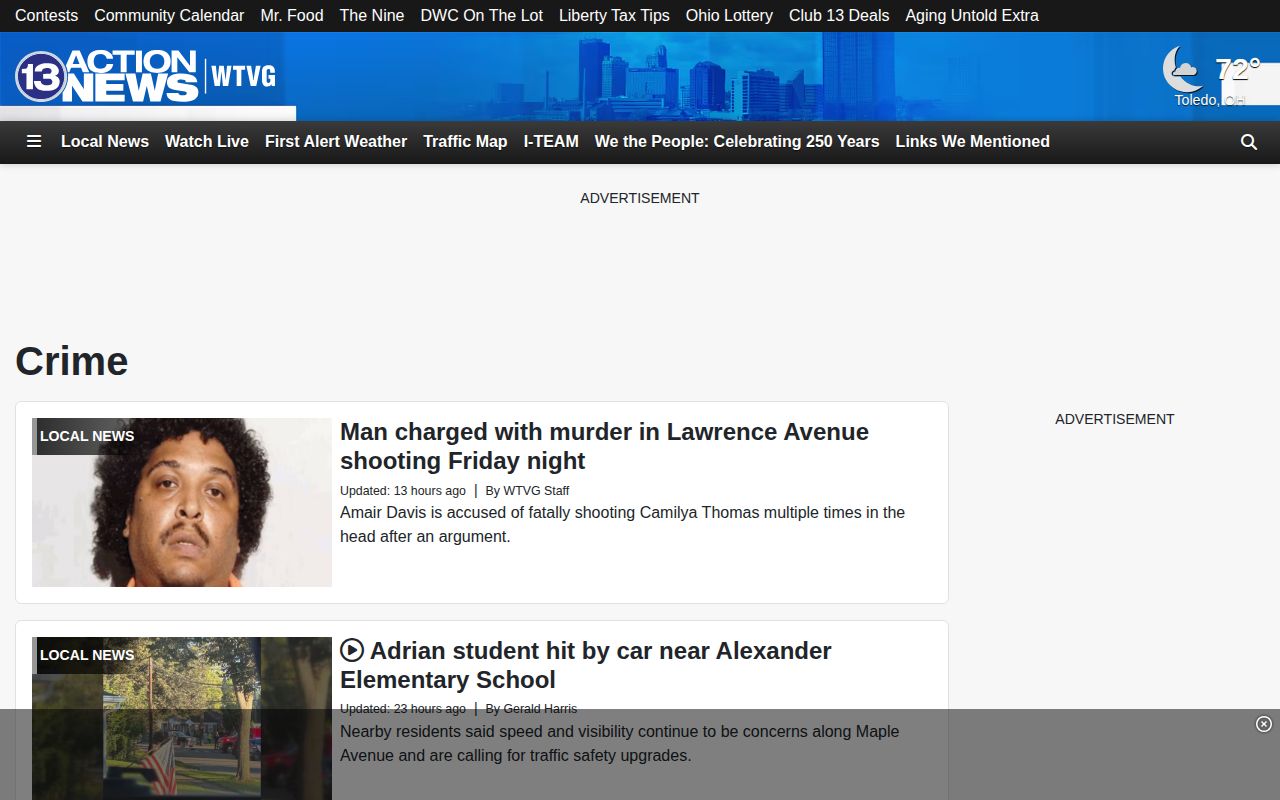
Stories can name an agency. They can also show a prior booking photo. Publication never makes the outlet a roster, though. One 13abc story labeled its image as a previous Lucas County Corrections Center booking photo. Read image credits closely. Never assume a news photo came from the arrest being reported.
Unofficial Lucas Arrest Indexes
Unofficial pages come after official sources for good reason. They can lag. They can omit agencies, duplicate records, or preserve old status text. Busted Newspaper, Recently Booked, Mugshots.com, Arrests.org, and Mugshots.zone each carry a Lucas County section. A copied older entry there is not proof of current custody. Nor is it proof of a final case outcome.
| Source type | Best use | Main caution |
|---|---|---|
| Official county PDF | Current rolling jail bookings and status fields | Multi-day window, not permanent or real time |
| Official Toledo log | Dated city incident context | Not a county booking or photo feed |
| Local news | Reported event context and agency statements | Selected stories only; photos may be older |
| Unofficial aggregator | Discovery of a copied or older listing | May be stale, incomplete, duplicated, or wrong |
Compare any third-party match with the official PDF, the arresting agency's report, and the court docket. Use a publisher's documented free correction route when a copied page is wrong. Skip paid suppression services. A third-party photo is not the county's live record.
Older Lucas Arrest Log Records
Yesterday's arrest fades from the live booking PDF as its date window slides forward. Older Lucas County entries take more work. Start with the Lucas County Sheriff record-request form. Fill in everything you can: full name, the rough date and hour, the location, the arresting agency, the report type, and any LSO, CAD, or RB number connected to the case. It also helps to ask directly which office keeps the booking record or photo. Corrections, the Records Bureau, or a city police department could each hold it.
The Lucas County Records Center stores files for county departments. It sends requesters back to the office that created the record in the first place. No local rule fixes a retention period for booking photos. Ohio History Connection publishes a statewide model sheriff schedule. That model does not prove Lucas County follows it. Legal holds, litigation, audits, sealing, and expungement can all change what remains available.
- Check the current sheriff PDF and note its covered range.
- Ask Sheriff Records for the underlying booking file and applicable retention schedule.
- Contact the arresting city agency for its incident report.
- Ask the Records Center whether the originating series was transferred.
- Use the named court for the case disposition or sealing order.
Case outcomes live in the court docket, never in a blotter entry. A dismissal, plea, acquittal, or sentence appears there. A name appearing or vanishing from an arrest log proves nothing either way.
Note: A missing web entry does not prove destruction; ask the official custodian to confirm whether a responsive record exists.